Offline Music
Browse your songs, albums, folders and playlists.
Play your local music, shape every track and make more with practical audio tools.
Listen, shape and create — all with the music you already own.
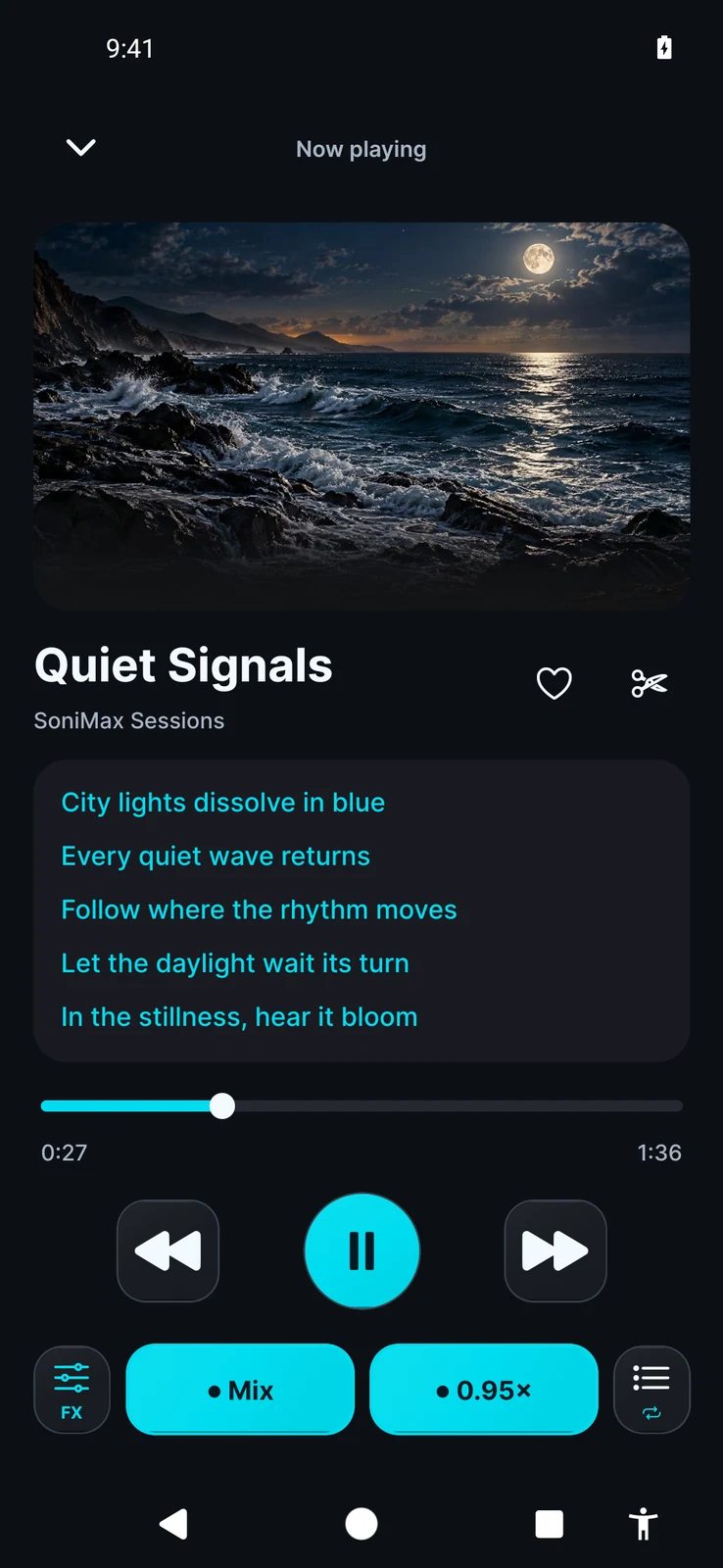
Browse your songs, albums, folders and playlists.
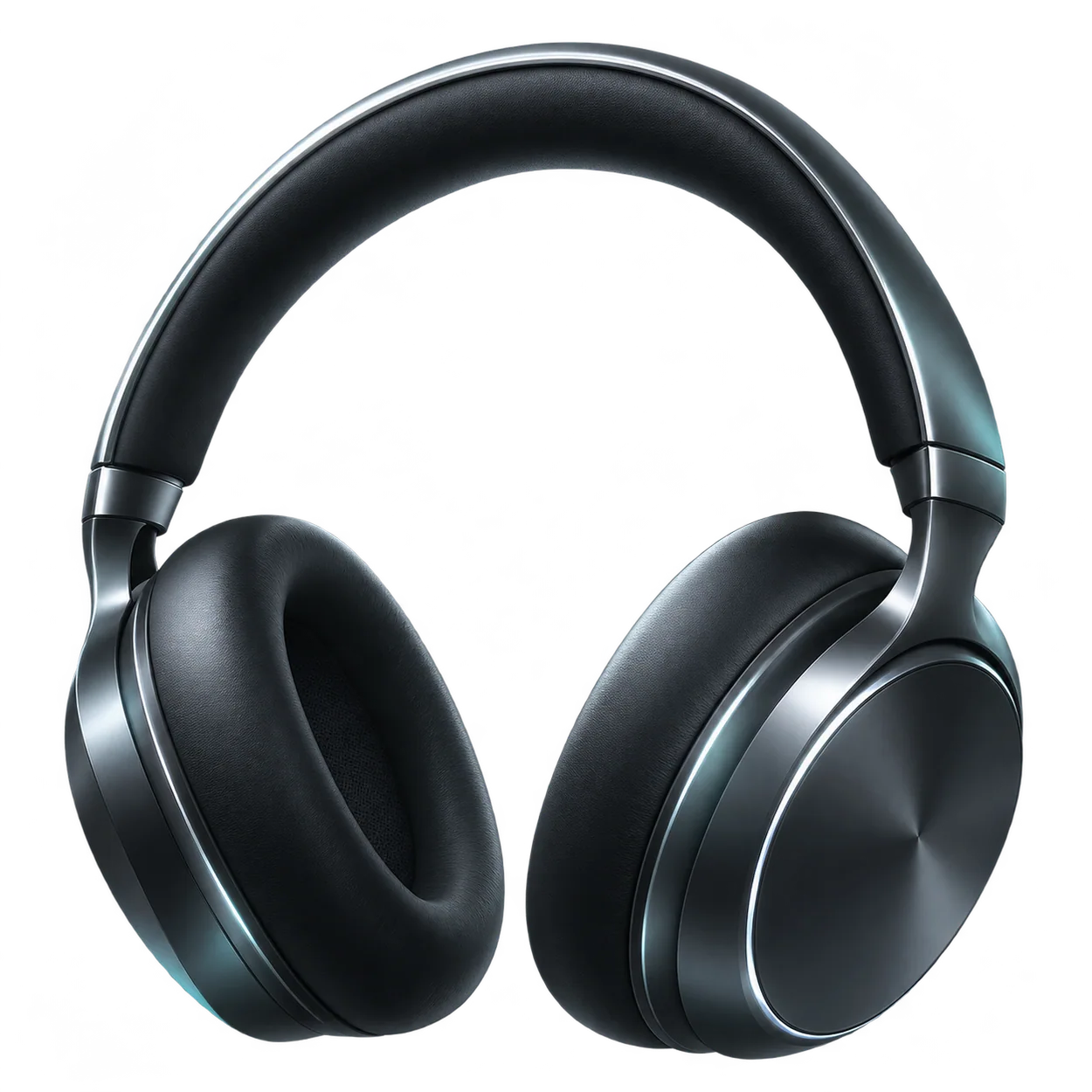
Adjust volume and bass to suit your listening.
Start at a comfortable volume. Excessive volume can harm hearing or damage speakers.
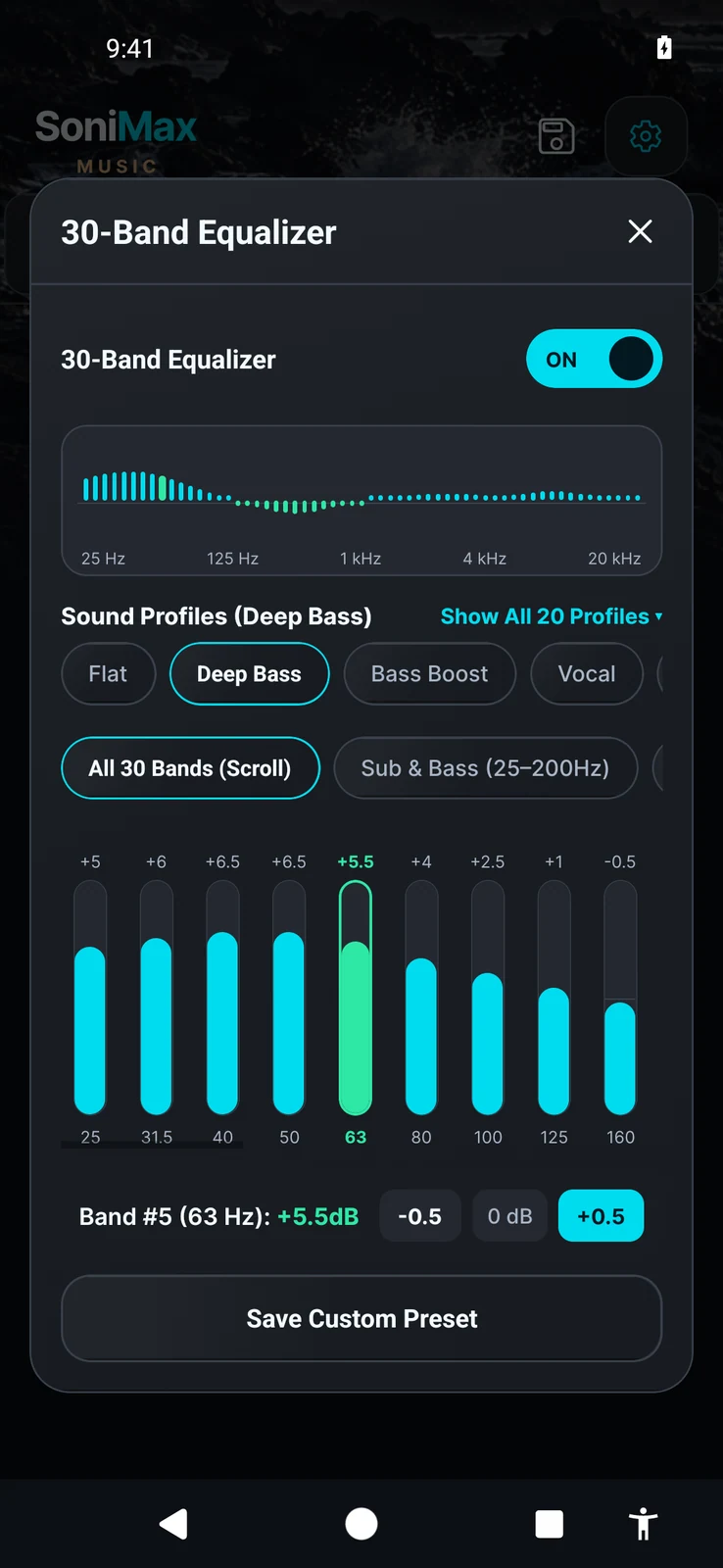
Fine-tune your sound with thirty bands and presets.
Change playback speed and pitch independently.
Blend your music with available nature sounds.
Select a section, preview it and save an MP3.
Extract audio from your own local videos.
Promotional illustration · Features and Premium availability vary by Store. Audio effects and processing depend on device and source.
Explore the Ocean interface and the tools behind your music.
Adjust volume and bass to suit your listening.
Select a screen to explore. Tap the large preview to enlarge.
App interface references show an ad-free presentation. The free app may show ads.
Start with Milky Cream, Moonlit Ocean or Racing Red. Premium unlocks all ten themes.
 Free
 Free
 Free
 Premium
 Premium
 Premium
 Premium
 Premium
 Premium
 Premium
Remove ads, unlock all themes and access premium audio tools. Features and subscriptions vary by Store.
Check the in-app Store offer for local prices, renewal terms and available plans. Plans are available only through supported in-app Stores.
Yes. SoniMax plays supported audio files already stored on your device. Optional online services require a connection.
No. Bring your own music and video files, and only edit content you own or have permission to use.
Milky Cream, Moonlit Ocean and Racing Red are free. Premium unlocks all ten themes.
Google Drive is available in the Google Play edition, subject to permission and feature access. The Huawei and Amazon editions do not include Drive.
Premium is purchased and managed through the supported Store inside the app. This website does not process payments.
The current Amazon release targets supported Fire Tablets. Fire TV and Vega OS availability are not announced here.
Bring your music. Discover a new way to listen.